Ranked results
Classic search still rewards the fundamentals: crawlable pages, clear titles and descriptions, sound heading structure, and a domain that keeps earning relevance. The site audit measures exactly these, page by page.

Search and answer engine visibility
gives lean marketing teams one controlled workspace to audit a website, plan a month of answer-first articles, and review every draft. Approved articles publish on your own domain; companion social posts are scheduled separately for connected channels.
Why now
The same customer question travels two roads today: a results page that ranks documents, and an assistant that composes one answer from sources it trusts. Content that wants to be found has to work in both.
Classic search still rewards the fundamentals: crawlable pages, clear titles and descriptions, sound heading structure, and a domain that keeps earning relevance. The site audit measures exactly these, page by page.
Answer engines quote sources that get to the point. That favors articles that open with the answer, carry key takeaways and a real FAQ, cite their sources, and live at a stable address on a domain you own.
Each draft is built answer-first with takeaways, FAQ, structured headings, internal and cited external links, and deterministic checks before review. You approve it once; both arenas get the same well-built page.
The working loop
Follow one clearly labeled example workspace from website evidence to an audited site, a month of answers, and controlled publishing.
Start with evidence
Analyze the website, then review the audience, positioning, approved messages, and media gathered into the Brand Hub.
Diagnose before writing
Crawl the sitemap read-only and score every page on titles, descriptions, headings, structured data, and alt text, with a fix list ordered by severity.
Choose where to grow
Turn the business context and audit findings into thirty dated topics, clustered around the questions customers actually ask.
Keep judgment in the loop
Generate answer-first article drafts with images and presenter videos, run the deterministic checks, edit, and approve only what is ready.
Publish, measure, repeat
Publish approved articles on the business's blog subdomain, schedule approved social posts separately, then bring Search Console and channel response into the next plan.
Example scenarios
Three illustrative workspaces. The businesses are examples; the workflow is the real product.
Is it safe to run with knee pain?
Physiotherapy clinicWhat grind size does a moka pot need?
Specialty coffee roasterWhat belongs in a move-in inspection checklist?
Property management softwareWhat the system connects
Move from what the business stands for to what it publishes and what it learns, while keeping review at the decision points.
Understand
Start from the public website, then review the audience, positioning, approved messages, and reusable media.
Diagnose
Crawl the sitemap read-only and score every page on titles, descriptions, headings, structured data, and alt text, with a prioritized fix list.
Plan
Build a dated topic calendar of the questions customers ask, clustered around pillar guides, with a target term for every article.
Create
Draft long-form articles with key takeaways, FAQ, and cited sources, plus social posts, images, and presenter videos, then check and approve.
Publish
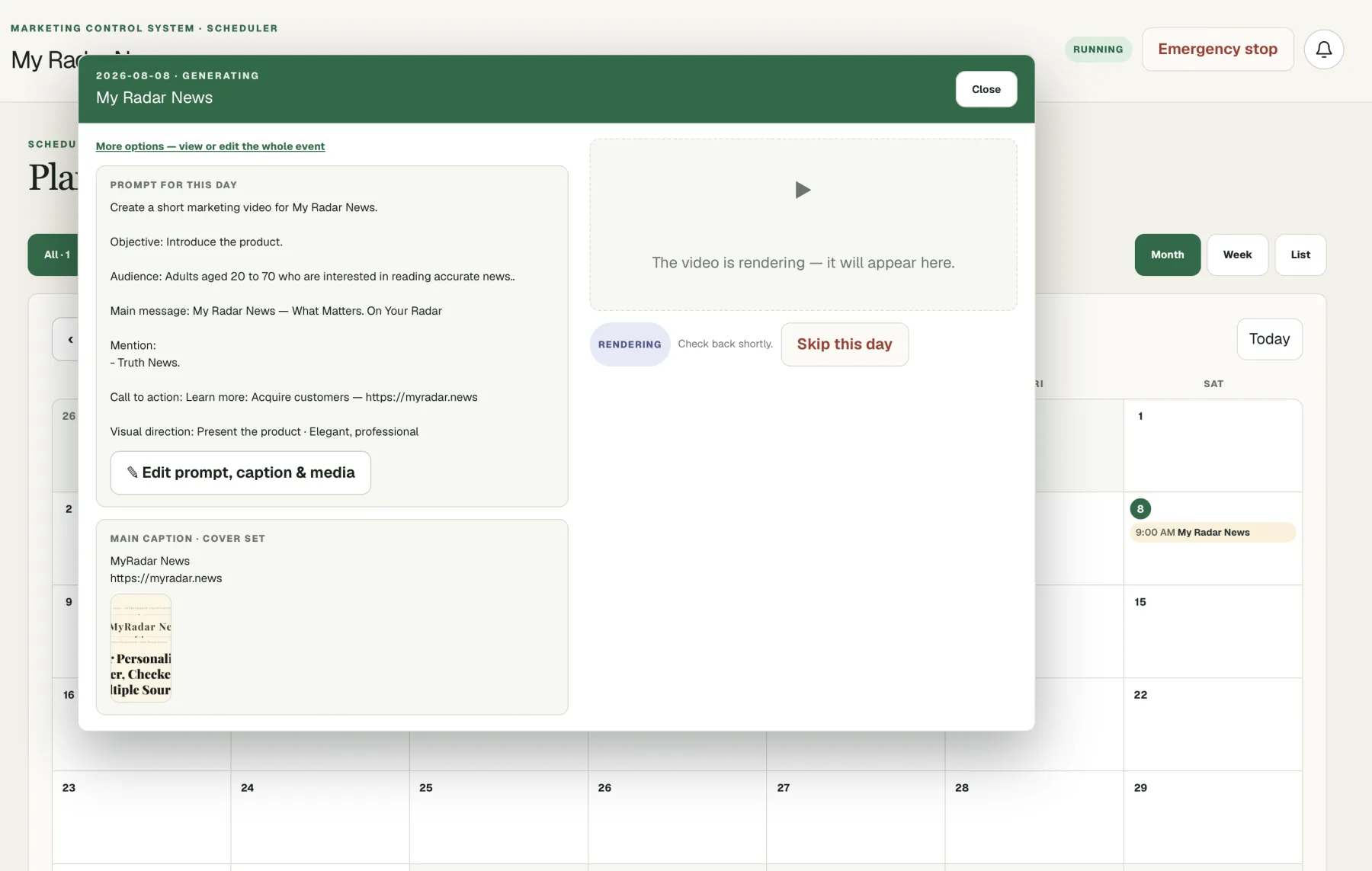
Publish approved articles to the hosted blog or a verified subdomain of your own website, and schedule approved posts for connected social destinations.
Learn
Bring supported search and social response data back into the workspace when the relevant connection is configured.
Controlled publishing
Background work can finish without becoming public. Drafts wait for review, auto-publish exists only when you explicitly enable it, and an emergency stop halts the workspace at any time.
Create workspacePublishing coverage
Live connections and planned destinations are labeled separately so your team always knows what it can use today.
Integration detailsPublish approved articles on a crawlable hosted blog with RSS, a sitemap, and reader-facing article pages.
Serve the hosted blog from a verified subdomain of your own website, such as a news subdomain, so the canonical address and authority stay with your domain.
Connect a managed Page, schedule image or video posts, publish supported formats, and sync available response data.
Connect an eligible Business or Creator account, schedule image or video posts, and sync available response data.
Connect a verified property with read-only access to bring supported search-performance data into the workspace.
Answer engine optimization, often shortened to AEO or GEO, is preparing content so AI assistants can read, trust, and quote it. In practice that means answer-first openings, key takeaways, a real FAQ, clean heading structure, cited sources, and a stable address on a domain you own. Every article the system drafts is built with those properties.
No, and nobody honestly can. Ranking and citation decisions belong to the engines. What the system controls is the part you can control: technically sound pages, consistently published answer-first content on your own domain, and supported performance data so you can see what is working.
It reads your sitemap and scores every page on titles, meta descriptions, heading structure, canonical links, structured data, Open Graph tags, and image alt text, then returns a fix list ordered by severity and how many pages are affected. It is read-only and never changes your website.
Approved articles publish to a hosted blog with RSS and a sitemap. You can also connect a subdomain of your own website, such as a news subdomain, verified by DNS, so the canonical address and the authority belong to your domain.
Facebook Pages and eligible Instagram Business or Creator accounts are available now, including image posts, video and presenter-video posts, Reels, Stories, and carousels. TikTok, LinkedIn, X, Pinterest, Bluesky, and Google Business Profile are on the channel roadmap.
Not unless you tell it to. Manual review is the default. Scheduled auto-publish exists as an explicit setting you enable per workspace, and you can turn it off or stop everything at any time.
Start with your website, read your audit, review the plan, and decide what earns the right to go live.
Create account